

Diffractor 1.27.2
- Developer Link 1 (diffractor-setup.exe)
- Developer Link 2 (diffractor-setup.exe)
- Developer Link 3 (diffractor-setup.exe)
- Developer Link 4 (diffractor-setup.exe)
- Download3k US (diffractor-setup.exe)
- Download3k EU (diffractor-setup.exe)
MD5: 28188b5fa991d20b2e344b658db3d4da
All files are original. Download3K does not repack or modify downloads in any way. Check MD5 for confirmation.
Review & Alternatives
"Organize photos and videos on Windows."
Overview
Diffractor (formerly known as ImageWalker) is a free, easy to use software designed to give you the ability to manage and launch your photos, music and videos only with a few key strokes, supporting a wide range of formats. It has unique features such as photo-editing tools and a database that lets you view a map of your current location, making it stand out amongst the rest of media organizing programs.
Installation
During installation you will be asked to check two checkboxes, one that allows the program to check for updates automatically and one that lets it collect data about your current location so it can use it to position the map view. After this step, setup will then finish quickly without problems. No special requirements are needed, as the program will run fine on any Windows OS.
Interface
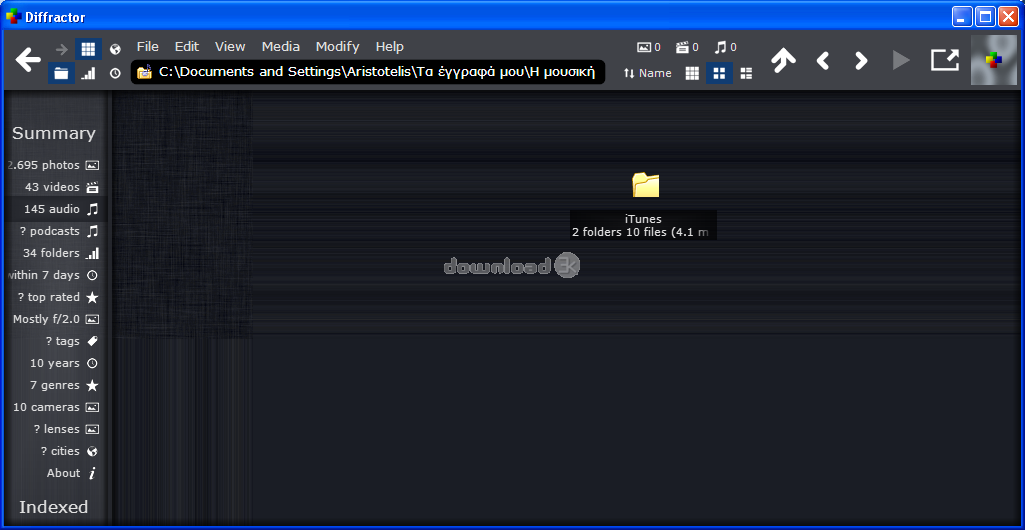
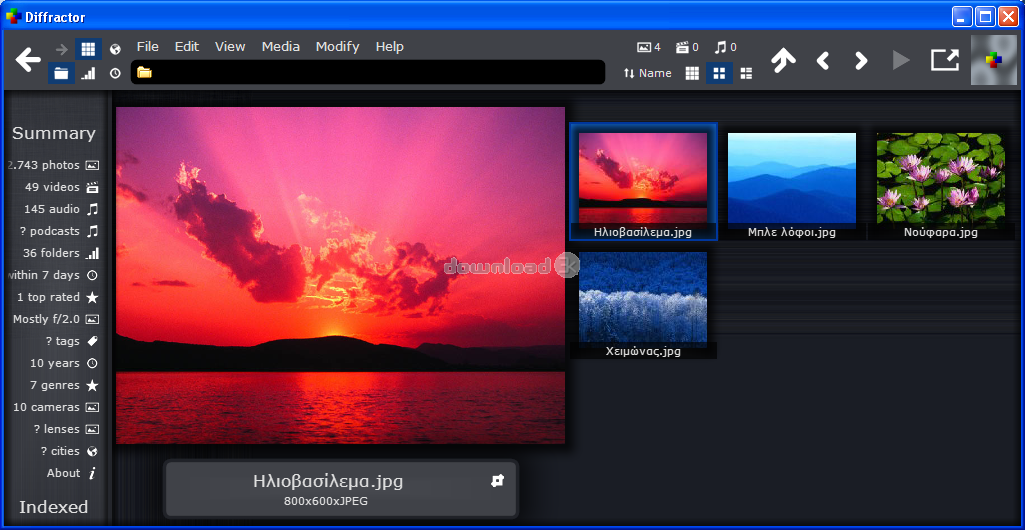
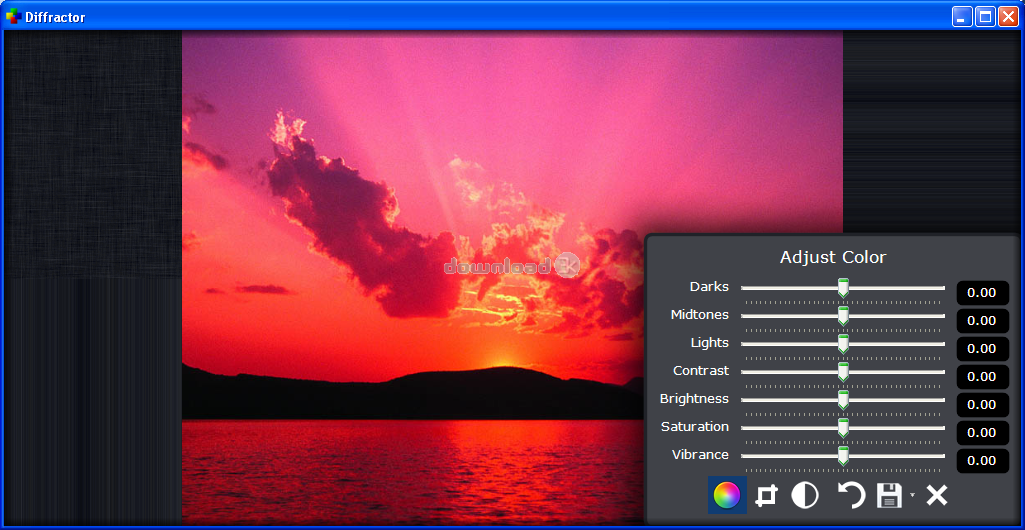
The whole interface is really stylish, with animations in every part of the window. On the left there is a summary of all your media, giving you a basic overview of the data that is collected and indexed from your computer. The mouse control is quite innovating, allowing dragging and dropping files not only from outside but from the inside of the program too. All the tools and settings are in the menu bar ready to be used, letting you edit your photos anytime without having to open a different editor or window. The interface is not very complex and it will not take much time to get used to.
Pros
Even with all the animations and graphics that are active during your session, this software is very light and uses very few resources which means less crashing and lagging. Rarely will you see it struggle to open a file or folder, an important factor to consider especially nowadays that most software require a lot of memory and processing power.
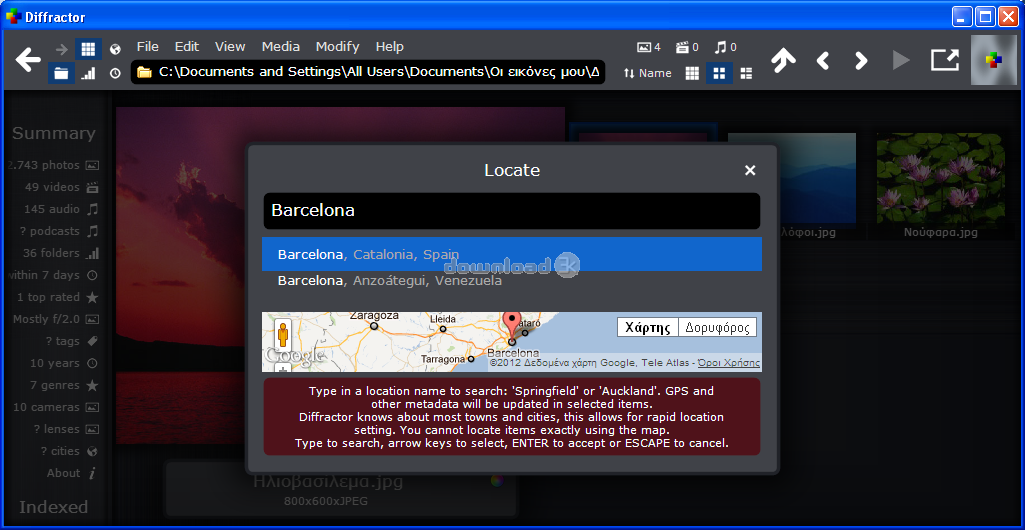
While its main purpose is to view images and play music and videos, Diffractor has many other capabilities. For example, it can automatically find the location of where each photo was taken and place the photo in the built-in map which uses data via Google Maps. Alternatively, you could manually set the location yourself.
Something else that is uncommon here is the heat maps; they give a better understanding of how files are spread in your computer without going through the hassle of viewing each folder’s details separately. Moreover, the timeline view will sort all your media by chronological order, showing thumbnails of each file in one timeline. It resembles a lot Windows explorer’s sort by commands, but in a more modern and visually enhanced way.
Cons
If you decide to try Diffractor, you will see that there aren’t many disadvantages but it comes down to personal taste mostly, depending on what is better for your style.
Alternatives
Irfanview is a good alternative that keeps most of Diffractor’s features. It’s free, simple, lightweight and except for being an image viewer/editor and multimedia player, it can even open text files. The only thing that Irfanview differs from Diffractor is its user interface, as it is very plain and common.
Conclusion
Diffractor is the kind of application that makes you want to use it every time you get the chance and never get bored with it. Its multiple uses make it a great quality free software that won’t disappoint you even in the most demanding tasks.

What's new in this version: - **Three dates, each labelled** — Original, Created and Modified are now separate and searchable, so an edit no longer moves a photo to the day it was retouched ([#184](https://github.com/diffractor/diffractor/issues/184)). - **Panoramas and 360° photos** — wide stitches sweep at full width, equirectangular files become a camera you turn by dragging, and `@panorama` finds them. - **Items view settings without scrolling to the top** — group, sort, media-type filter and *Show items in subfolders* open from the scroller ([discussion #251](https://github.com/diffractor/diffractor/discussions/251)). - **The sidebar map is now a globe**, and the history chart spans your whole collection ([#175](https://github.com/diffractor/diffractor/issues/175)). - **Verbose metadata reports what the file actually holds** — unnamed tags kept, maker notes as directories, embedded thumbnail shown. - **Security updates** — expat 2.8.3 closes [CVE-2026-72522](https://nvd.nist.gov/vuln/detail/CVE-2026-72522), plus libopenmpt, libarchive, libebml and sqlite. - **Before you upgrade:** `taken:`, `when:`, `timeline:` and `c:` now mean Original, so saved searches may return different results. Every icon is redrawn. Full detail: [docs/v-1.27.2.md](https://github.com/diffractor/diffractor/blob/master/docs/v-1.27.2.md)
Antivirus information
-
Avast:
Clean -
Avira:
Clean -
Kaspersky:
Clean -
McAfee:
Clean -
NOD32:
Clean

Popular downloads in Photo & Graphic
-
 Bandicam Screen Recorder 27.0.6.2686
Best Game, Video, Screen Recording Software -
 PhotoScape 3.7
A fun and easy photo editing software. -
 Magic Photo Editor 7.5
Easilly blend photo onto another picture. -
 SketchUp Make 16.1.1450 32-bit / 17.2.2555 64-bit
An easy-to-learn 3D modeling program. -
 jAlbum 39.9
Highly customizable web galleries for any site. -
 Shipping Container House Plans 1.1
Shipping Container House Plans Software -
 Corel PaintShop Pro 2023 25.2.0.58 Update 2
All you need to create fantastic photos! -
 Just Color Picker 6.2
Free colour picker and colour-editing tool. - JR Split File 1.2
Split a large file into smaller files -
 progeCAD Smart! free DWG CAD 9.0.28.8
progeCAD Smart! free personal CAD software


-
OS
Win10 -
License
Freeware -
Price
$0 -
Updated
8/25/2026 -
Downloads
1369 (1 last week) -
Size
26.61 MB -
MD5
28188b5fa991d20b2e344b658db3d4da -
SHA1
5f1e549d903d2731999ce53ec283b6d7a879f62b -
Developer
Diffractor