CoolNovo 2.0.9.20
- Developer Link 1 (non https CoolNovo2.0.9.20.exe)
- Download3k US (CoolNovo2.0.9.20.exe)
- Download3k EU (CoolNovo2.0.9.20.exe)
MD5: 3ce342f83986cf2fe741f50affc6f284
All files are original. Download3K does not repack or modify downloads in any way. Check MD5 for confirmation.
Review & Alternatives
"Surf the web much easier."
Overview
Have you ever wanted a browser that is as fast as Google Chrome and that incorporates some of the best add-ons of Mozilla Firefox? Thanks to Maple Studio, now you can access the internet in a matter of seconds and benefit from enhanced functions and options that make internet navigation a faster and spam-free experience via the ChromePlus browser. Whilst it is true that Google Chrome is the cleanest and most lightweight browser that does not burn out much of your computer’s resources, this does not necessarily imply that it cannot be further improved.
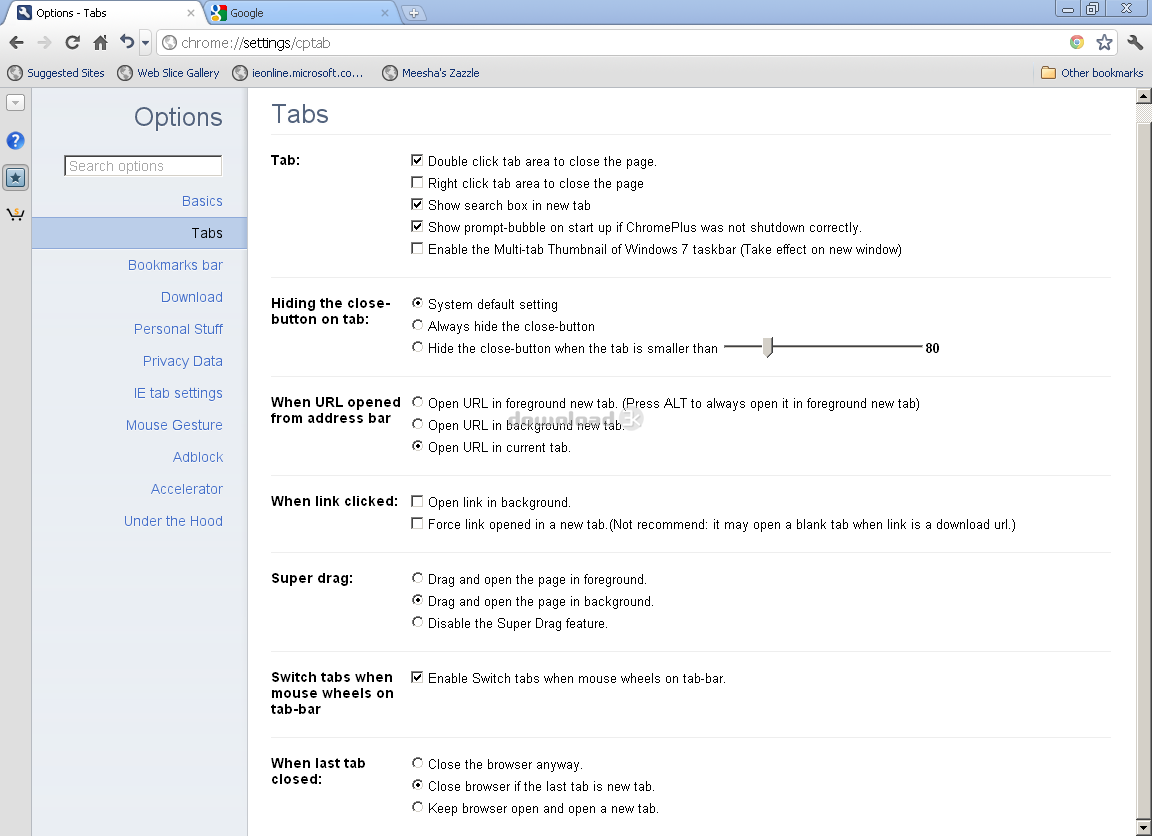
The ChromePlus application is built on a very similar engine to Google Chrome. However, what makes this browser significantly better are the new functions, such as double clicking on a tab to close it and not have to click on the small “x” button, as is usually the case with the Google Chrome interface. Another great feature of the browser is the IE tab, which is especially developed to help you open pages that only support Internet Explorer. This is quite a handy function if you take into account that certain software applications will require you have IE installed on your computer in order to register or create an account.
Installation
The installation of the ChromePlus browser is straightforward and, most importantly, does not include any spam or other applications bundled with it. It is impressive considering that this browser is freeware. It is important to note that whilst the installation kit only has 23MB, you will need approximately 80MB space on your computer, to make sure that you will not encounter any problems. In addition, take note that you will need to have Windows XP operating system installed as a minimum, as it is not supported by Windows 2000 or lower. Currently, the browser application is only available for Windows and Linux OS and there are no rumors regarding the development of an installation kit that can work well with Macs.
Interface
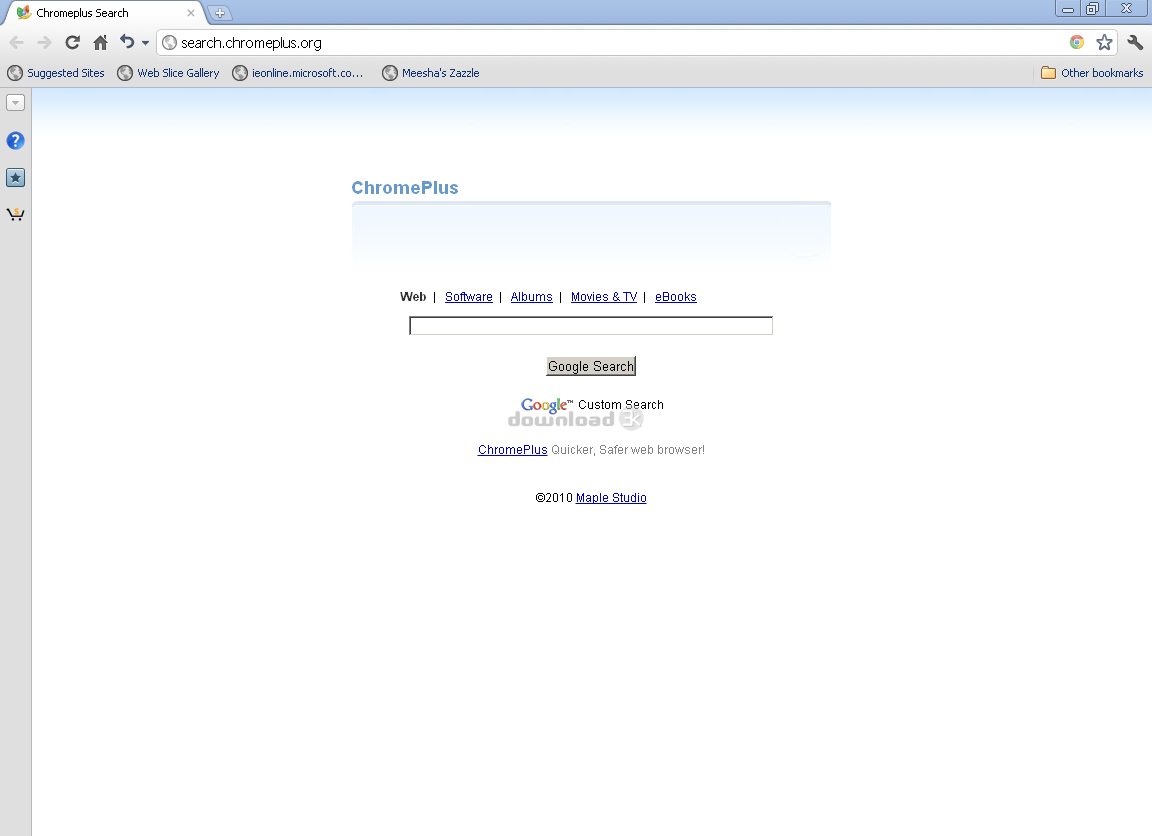
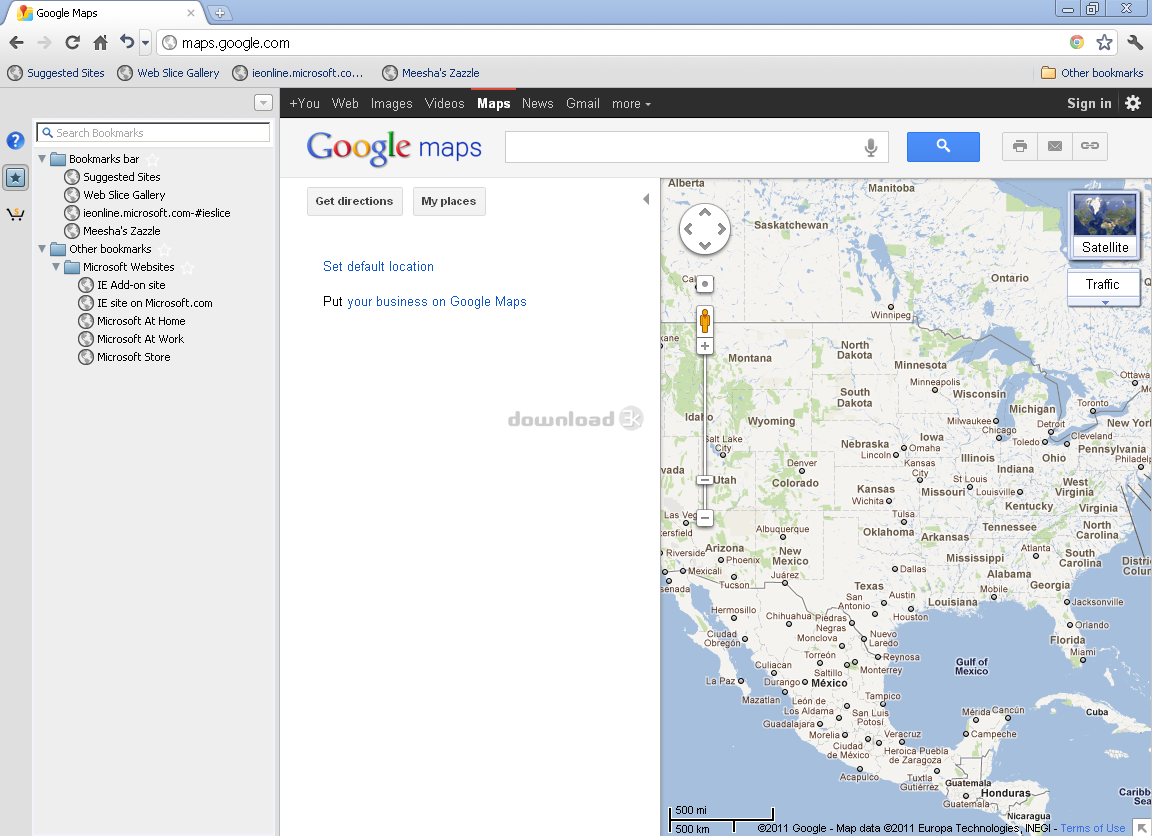
At its heart, the ChromePlus browser is built on an analogous engine as Google Chrome. Therefore, when you first open this application, you will find that the interface is familiar, especially if you are a Google Chrome user. On the main menu bar in the left corner, you should expect to see the basic back, forward and refresh commands, similar to Google Chrome. However, this application includes a home and show history/reopen closed tabs as well. In addition, it incorporates a side bar that you can enable and disable whenever you like.
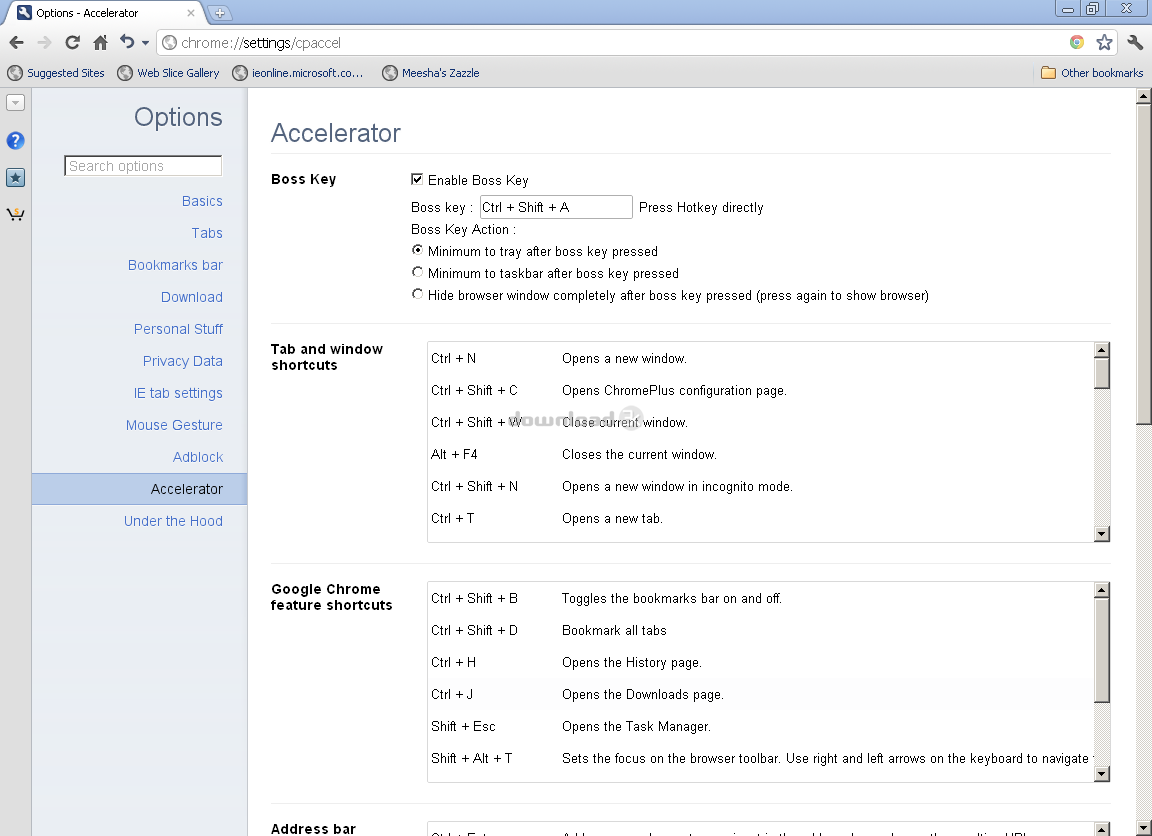
Another impressive improvement from Google Chrome is the option menu, which is displayed at the upper right side of the application, as a wrench icon. Besides the basic, under the hood and personal stuff editing options, now users can easily manage and customize the tabs, the downloading options, the privacy of their data, mouse gestures and customize shortcuts.
Pros
The biggest plus of this browser is the fact that, even though it includes significantly more options than Google Chrome, this does not interfere with its speed or responsiveness in any way. The other benefits users can enjoy are the actual new features and functions of the browser, including download manager integration, mouse gestures, drag links and the double click to close tabs. Moreover, what is truly great about this application is the fact that it includes adobe flash and ad block lists, which so far seem to get the highest rating regarding their functionality. All in all, it makes web navigation more convenient and pleasant.
Cons
The only problem some users reported regarding the ChromePlus browser application is the fact that you are unable to tweak the mouse gestures. However, they can rest assured that developers will work on that in one of their future patches.
Alternatives
Some of the viable free alternatives to the ChromePlus browser are Google Chrome, Opera, Safari Browser and Chromium.
Conclusion
In a nutshell, the ChromePlus browser application is an all new, improved and enhanced version of the Google Chrome software. Except for the mouse gestures options, users can modify and personalize the way they want to see the tabs, manage their downloads, benefit from enhanced protection and add the shortcuts that they are accustomed to for any of their operations.

Antivirus information
-
Avast:
Clean -
Avira:
Clean -
Kaspersky:
Clean -
NOD32:
Clean

Popular downloads in Internet
-
 Google Talk 1.0.0.105
Google chat messenger with voice. -
 Motorola Phone Tools 5.0
Motorola Phone Tools kit. -
 Download Accelerator Plus 10.0.6.0
DAP 10: For the fastest downloads. -
 Opera Mini for Java 8.0.35626
A fast and tiny Web browser. -
 Firefox 125.0.3 / 126.0b7 Beta / 127.0a1 Nightly
The award winning Web browser. -
 YMulti Messenger 2.0.0.100
Multiple Yahoo Messenger instances - same pc. - Skype 8.119.0.201 / 8.118.76.205 Preview / 7.41.0.101 Cl
Talk with your friends for free. -
 InternetDownload Manager 6.42.10
Accelerate, resume and schedule web downloads -
 Google Chrome 124.0.6367.202 / 125.0.6422.41 Beta / 126.0.6452.3
Minimal design with sophisticated technology. -
 UC Browser for Java 9.5.0.449
A Web and WAP browser.



-
OS
Windows all -
License
Freeware -
Updated
8/30/2013 -
Downloads
5233 (1 last week) -
Size
38.67 MB -
MD5
3ce342f83986cf2fe741f50affc6f284 -
SHA1
c3411ab252b468a6be4176b82429e2db3b96b689 -
Developer
Maple Studio